Add Fluz inside your Workspace
Unlock the power of Fluz directly from Slack, right where your team works. No new tabs, no context switching.
Unlock the power of Fluz directly from Slack, right where your team works. No new tabs, no context switching.
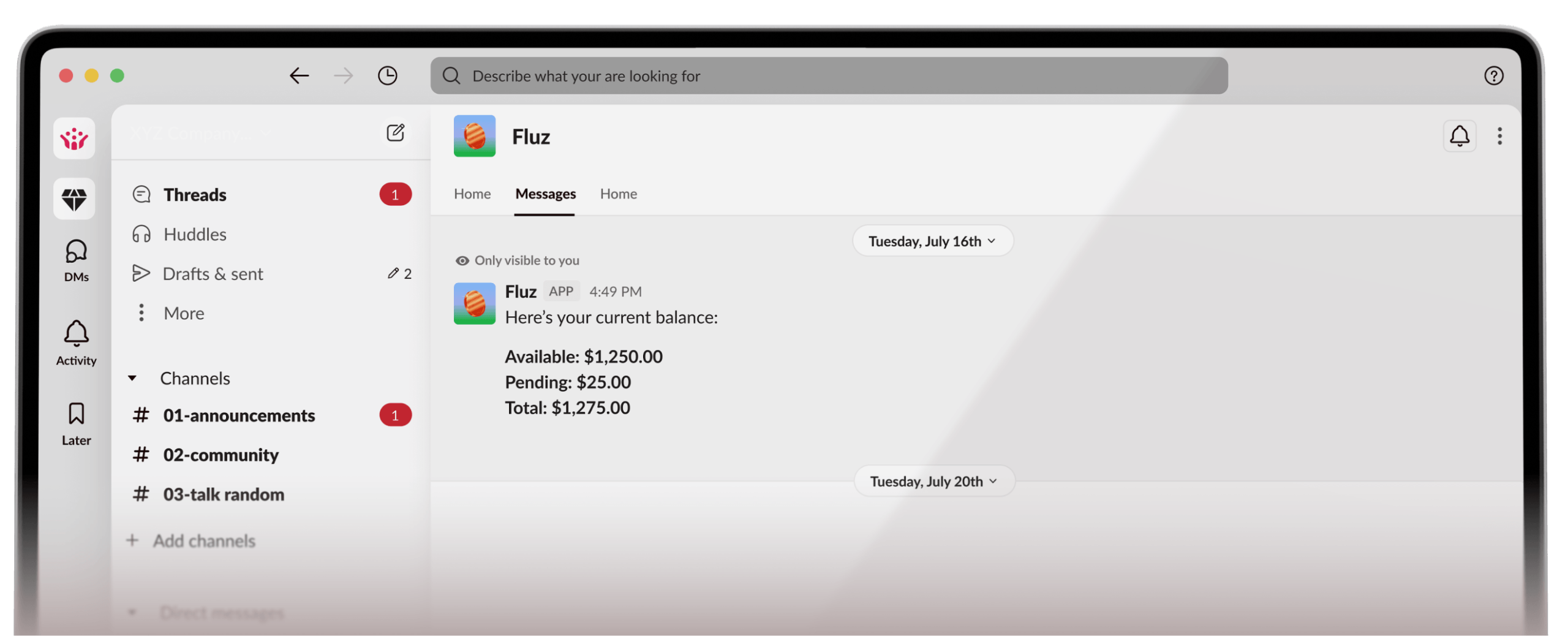
Add Fluz to your Slack workspace in three easy steps.
 Connect to Slack