Expense management
Your books, already done.
Card spend, gift cards, bills, transfers, even the Fluz cashback your business earns. It all lands in QuickBooks, categorized and ready for you to review.

Transactions coding themselves.
By the time you close the month, the coding is already done.

Receipts you don’t need to chase.
No shoebox, less chasing your team for what they bought three weeks ago.

QuickBooks, already updated.
Your books stay current, not a month behind, so there’s never a backlog to clear.
Everything Fluz, flowing to your books.

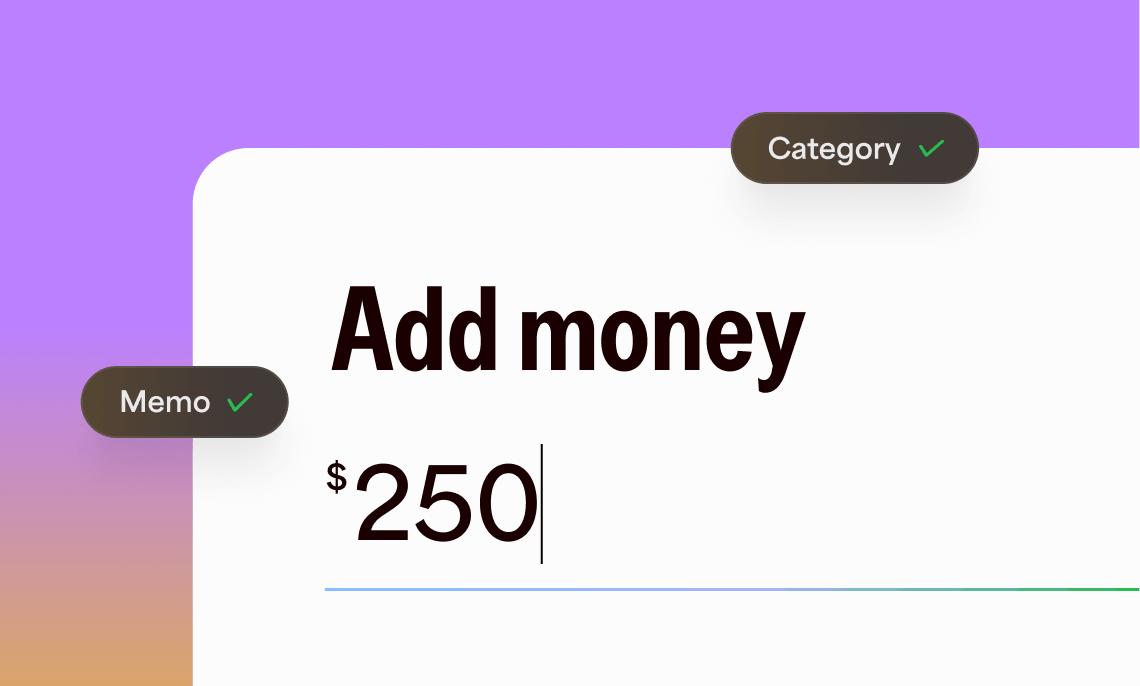
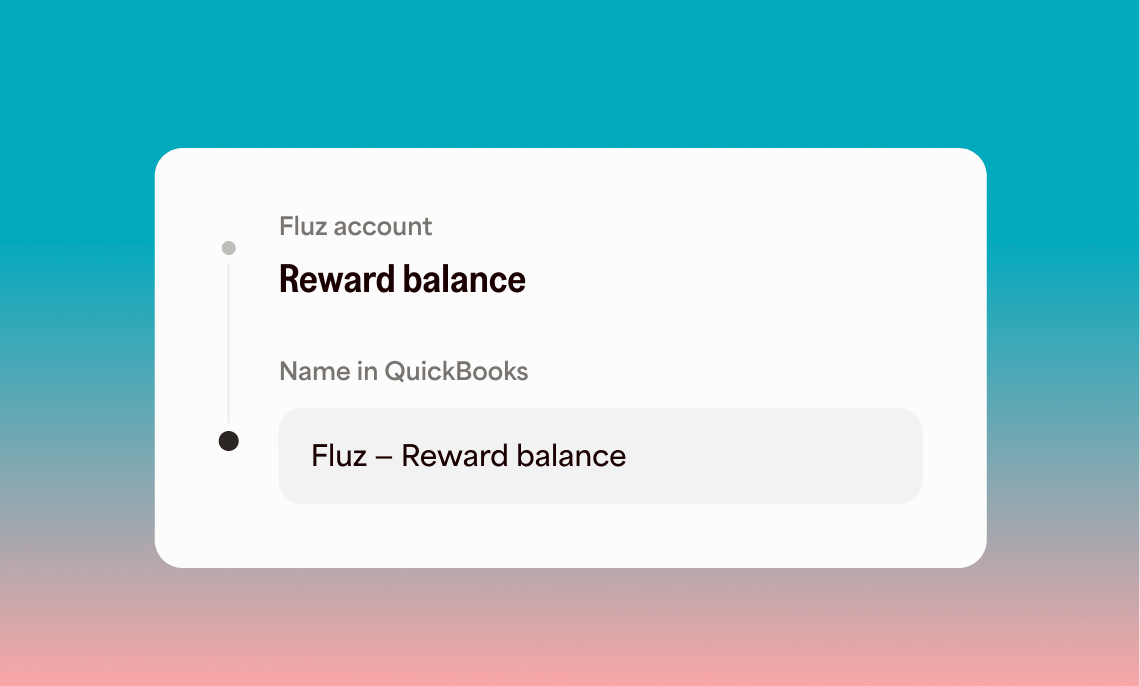
Month-end, happening all month.
Every transaction explaining itself
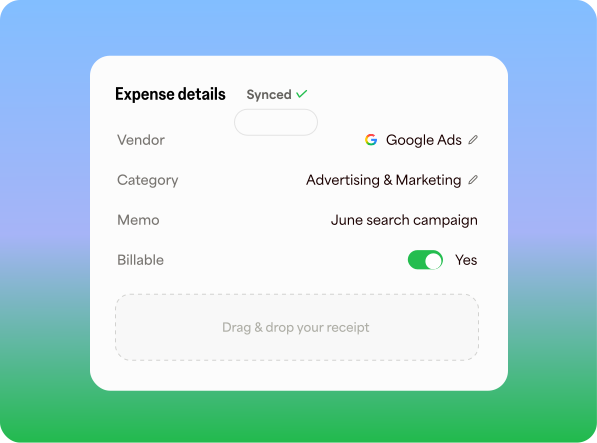
The full context of a transaction stays attached to it, from the moment money moves.
- Memos and categories
- Drag-and-drop your receipts
- Billable expense tagging

Coded once. Never again.
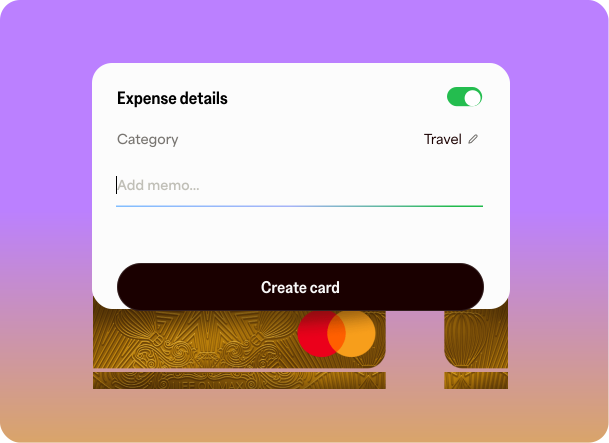
Set the coding where the money lives, not transaction by transaction. Decide it once at the source, and everything that follows shows up already coded.
- Set default coding on cards and accounts
- One-off coding in seconds
Built for QuickBooks from day one
Connect QuickBooks Online in minutes, and code spend with the same accounts that are already in your books.
- Chart of accounts, classes, and customers imported
- Auto-created vendors
- Journal-entry sync, duplicate-safe
Team spend, under budget
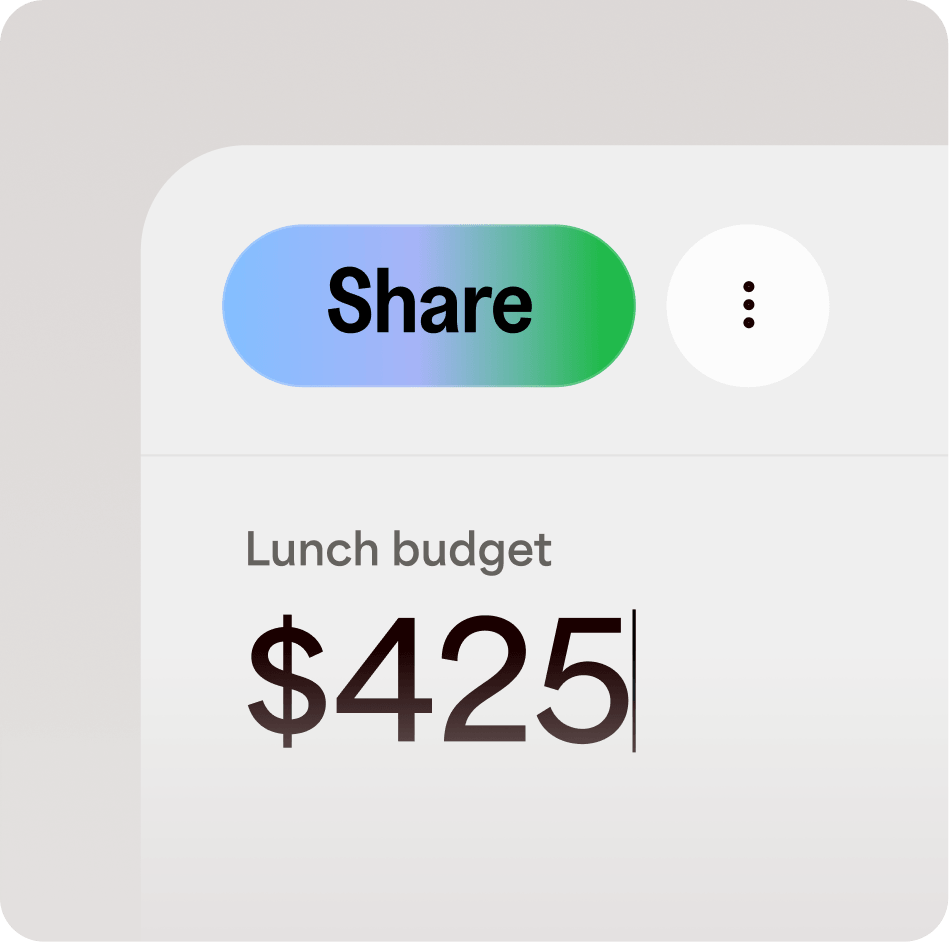
Dedicated budgets for your team
Invite your team at the role you choose. Every card draws from the budget, so spend can’t go over.
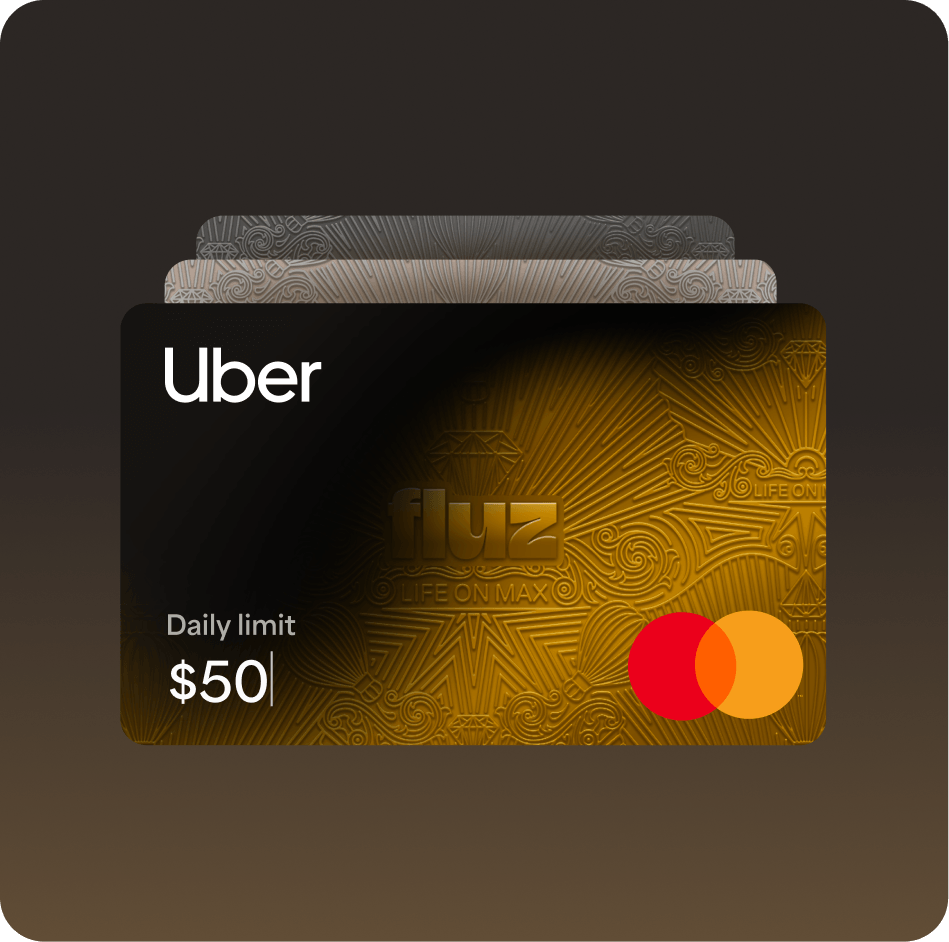
Corporate cards with built in rules
Limits, locks, and category or brand restrictions live on the card, not in a policy doc.
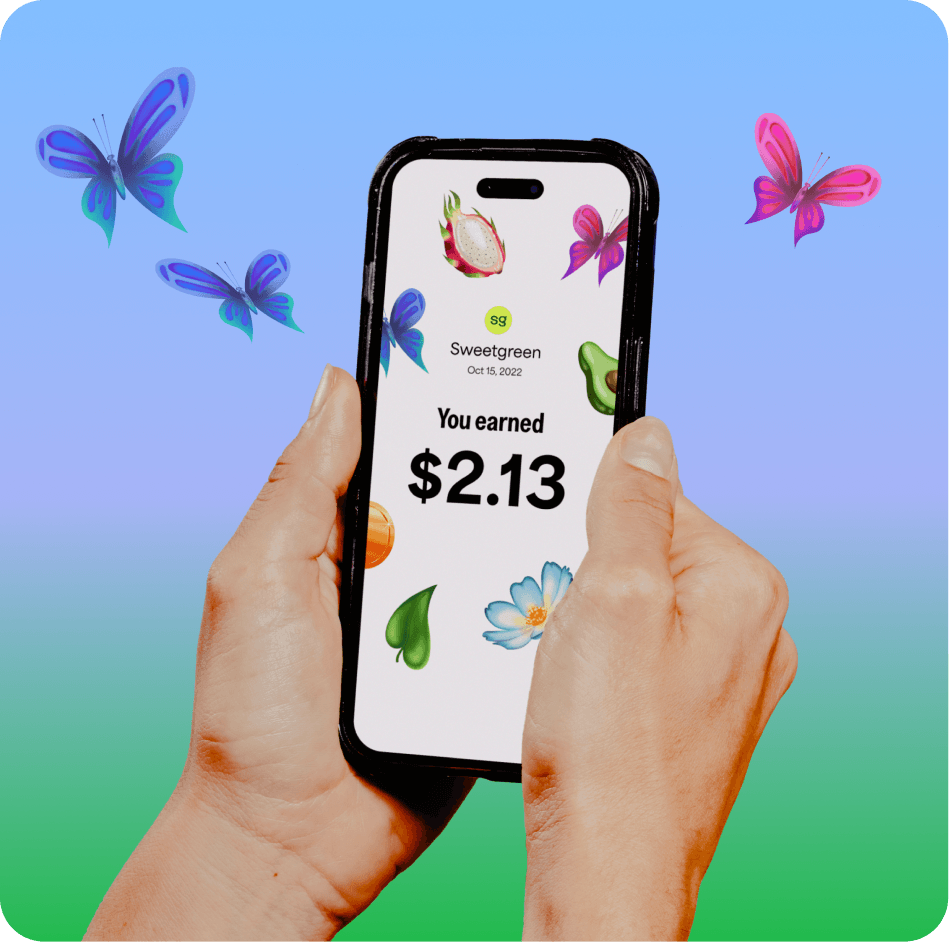
Up to 15% cashback, already accounted for
Earn cashback on team spend. Every reward syncs to QuickBooks as income.
Seriously quick setup

Connect QuickBooks
Bring your chart of accounts, vendors, classes, and customers into Fluz.

Code your spend
Set categories and limits on cards and spend accounts. From that moment, team spend arrives pre-coded and under control.

Sync when ready
Push finished transactions to QuickBooks as journal entries, receipts attached and balances reconciled.
Questions, answered.
The repetitive part runs on its own: recurring spend picks up the default coding you set, so it arrives categorized without anyone touching it. You stay in control of the rest. Attach receipts when it suits you, add memos where you want them, and review each period before it syncs to QuickBooks. Fluz does the busywork; you keep the final say.
You review finished transactions and push them to QuickBooks Online as journal entries, coded with your own chart of accounts and receipts attached. The sync is designed to prevent duplicates, so pushing the same period twice won't double your books.
No. Set a default memo and category on a card once, and every transaction on it inherits that coding before it settles. Your team spends; the coding is already done by the time anyone looks.
They still carry their memo and category, and they still sync. Receipts are optional: add a photo or PDF whenever it surfaces, then view, replace, or remove it anytime.
Yes. Invite them to a spend account as a viewer for read-only visibility, or at a higher role if they manage spend for you. One invite sets their access across every card the account funds.
Yes. Mark any transaction billable and tie it to a customer from your QuickBooks list. It syncs over ready to add to that customer's invoice, so reimbursable costs don't slip through the cracks.
The direct sync is built for QuickBooks Online. On another system, every export carries the full record of memos, categories, and receipt references, so your workflow keeps the complete story.
Eligible purchases through Fluz earn cashback, up to 15% depending on the merchant and current program terms. Each reward syncs to QuickBooks as its own line, mapped to the account you choose, so it lands in your books instead of going uncounted.
Close the books in minutes, not weekends.
Spend on Fluz and every transaction lands in QuickBooks coded, documented, and reconciled. Month-end stops being a rebuild and becomes a quick review.