Publix
Earn up to 1% cashback at Publix.
Pay with a virtual card and earn cashback.
Featured offer terms
Get 1% cashback on your purchases at Publix.
Offer valid while supplies last.
Offers are subject to change - check here before purchasing.
Get more at Publix
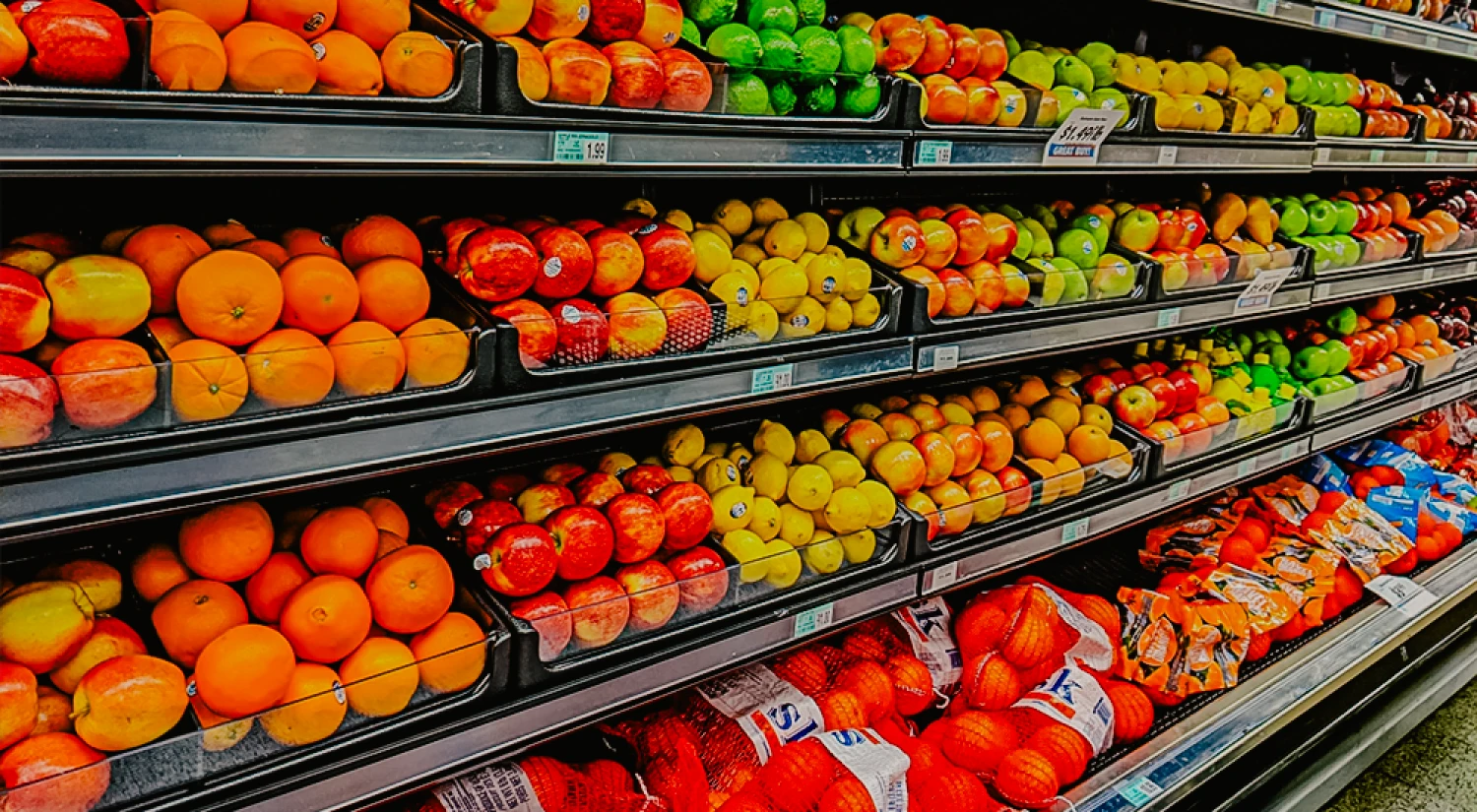
Maximize your grocery budget with Fluz
Your weekly grocery run isn’t just a necessity—it’s an opportunity to layer rewards and stretch your dollars. When you use Fluz to purchase grocery gift cards, you can double-dip by pairing that cashback with your favorite store rewards program.Frequently asked questions
What is a Fluz virtual card?
A Fluz virtual card is a digital-only payment card that comes with its own card number, expiration date, CVV, and billing address.
How does cashback work for my Fluz virtual cards?
You earn up to 1.5% cashback on Fluz Virtual Card purchases (sometimes more based on the merchant's offer) with no fees, credit checks, or minimum spend required.
What do I need to do before creating my first virtual card?
Verify your Fluz account by completing identity verification (KYC) and link a bank account to fund purchases.
Where can I use my Fluz Virtual Card, and how do I pay?
Anywhere Mastercard/Visa is accepted, including online and in-store via Apple Pay or Google Pay. If asked, Fluz virtual cards use the same PIN as your Fluz account.
How is my card funded, what are the limits, and when am I charged?
You can fund purchases with your Fluz balance or a linked bank account. You can set a card limit when generating a card, but you're only charged for the amount you actually spend.
Is the Fluz virtual card secure?
Yes. Your card details are protected with Face ID, PIN, or 2FA, and you can lock, unlock, or freeze cards anytime, with additional security controls and real-time alerts.
Publix
Similar offers


Name and logo used for identification only; all trademarks are the property of their respective owners.